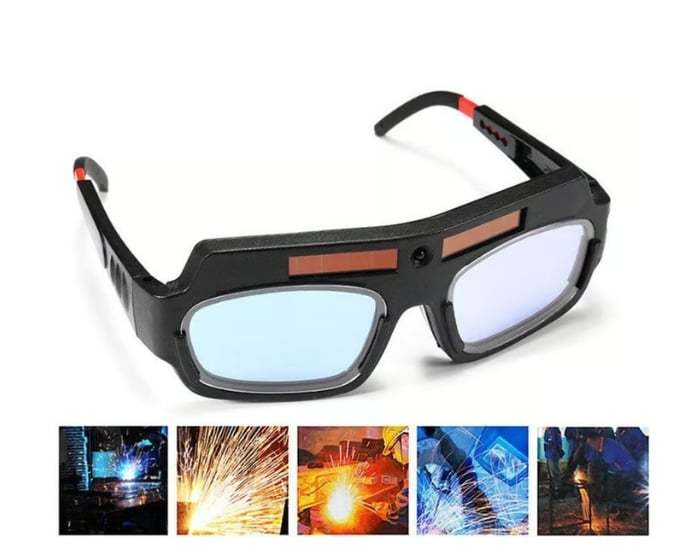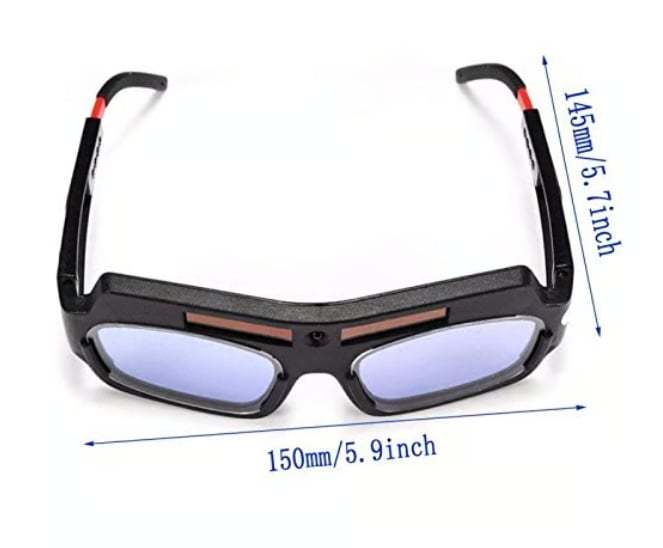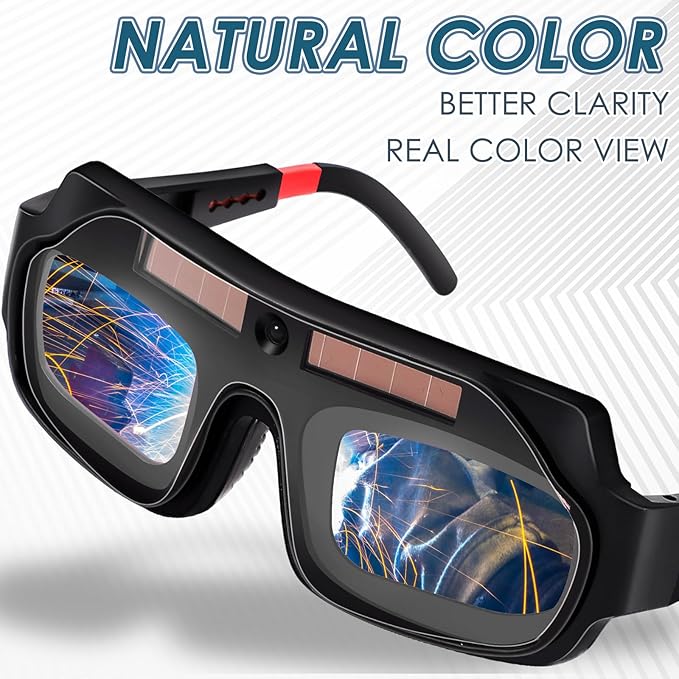
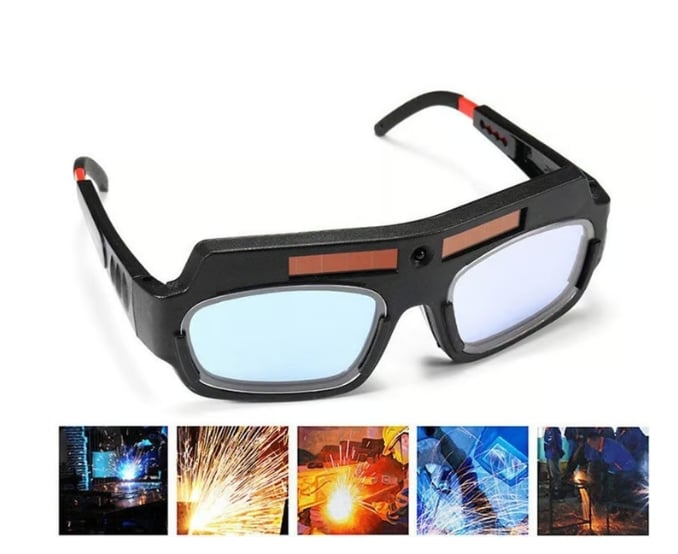



🎁⏳Solar Auto-Darkening Welding Goggles – Eye Protection with Smart Light Control



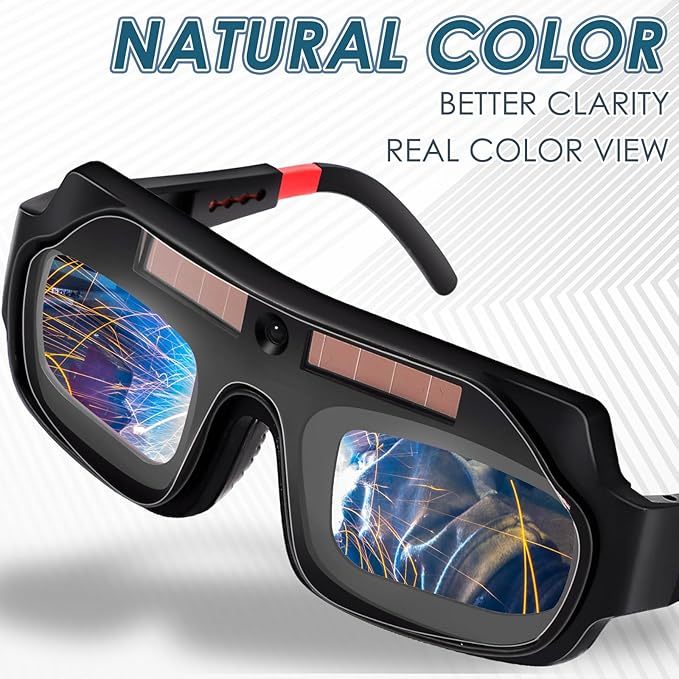
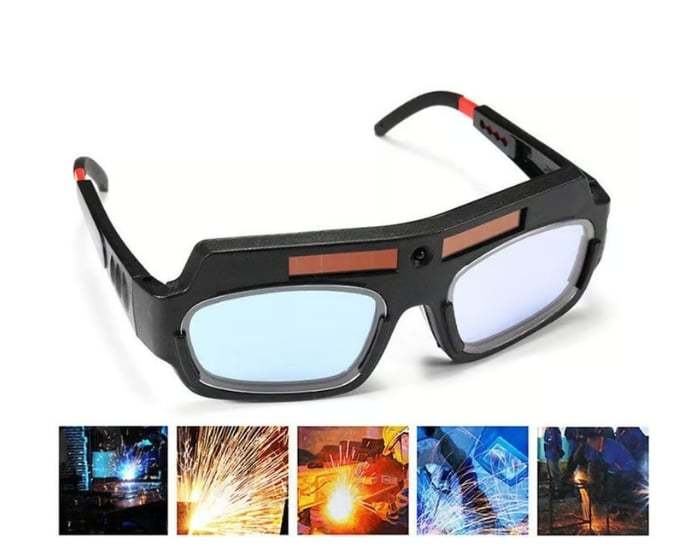
Protect your eyes like a pro! 👨🏭 These Solar Auto Darkening Welding Goggles react in milliseconds to block glare, UV, and infrared light. No batteries, just smart solar tech. Lightweight, durable, and made for serious work—perfect for anyone who values safety and precision. ⚙️🔥
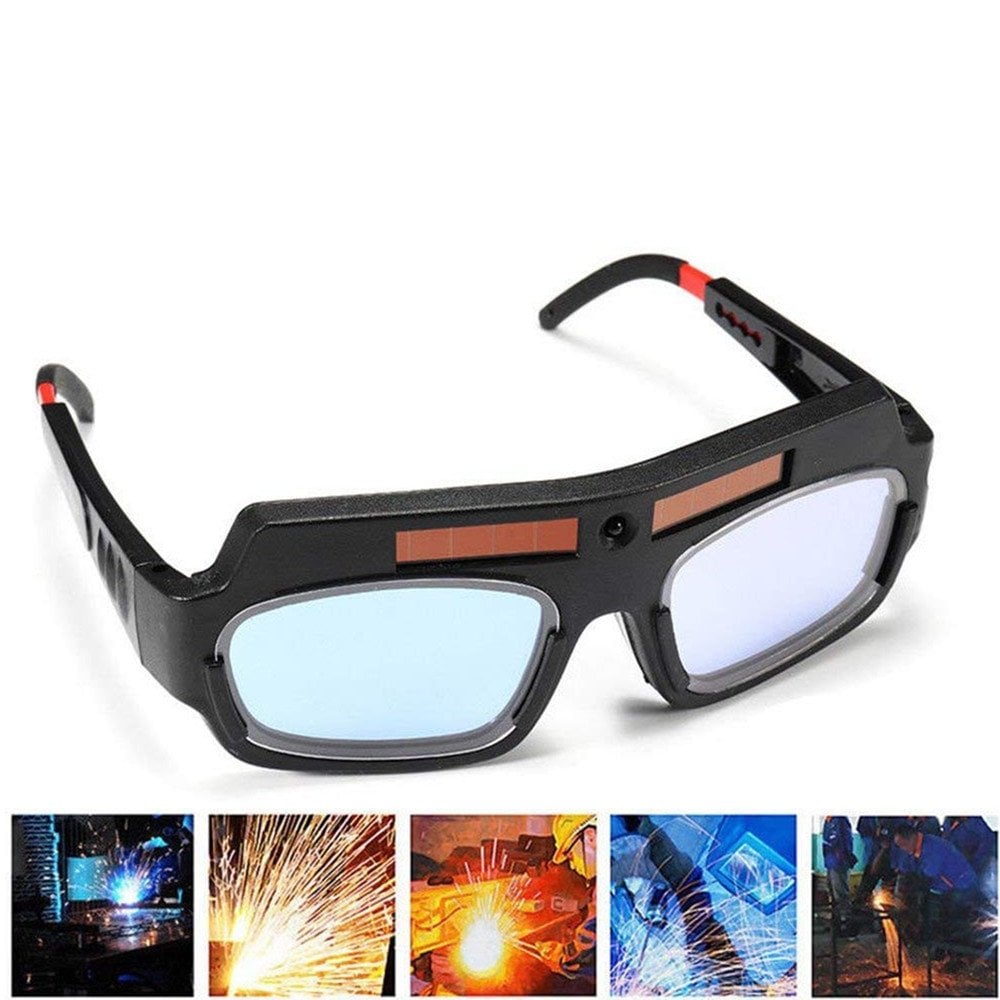
🌟 Product highlights
- 🔄 Instant Auto-Dimming
Switches from light to dark in milliseconds—no manual adjustments needed.
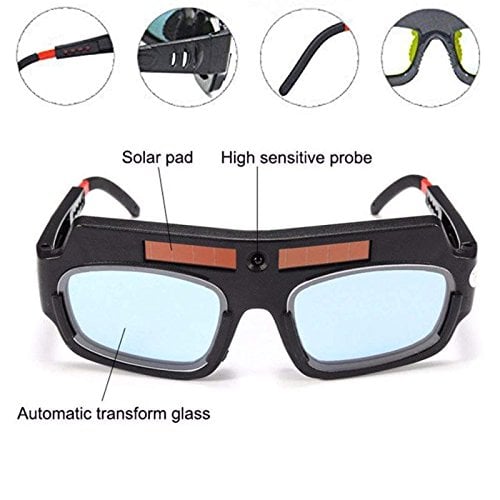
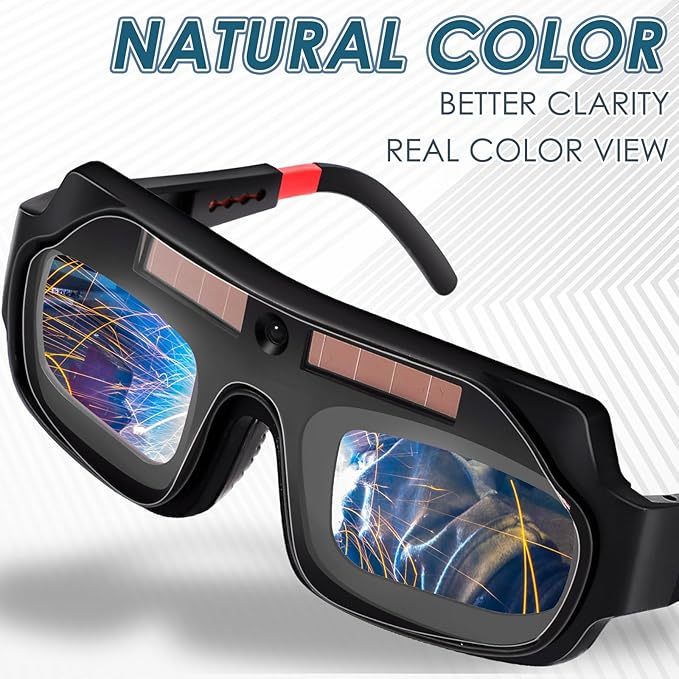
- 🛡️ Full-Spectrum Eye Protection
Blocks UV, infrared, and glare to keep your eyes safe and strain-free.
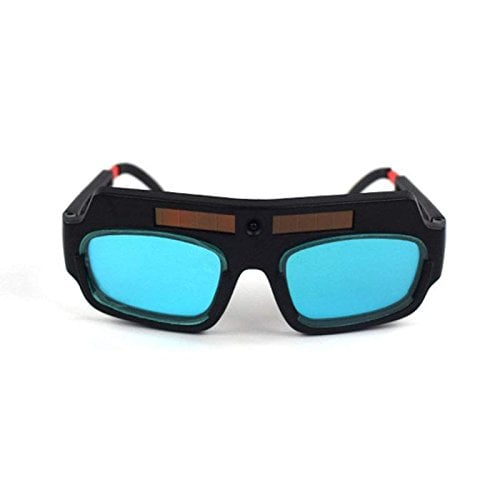
- ⚙️ Built for Durability
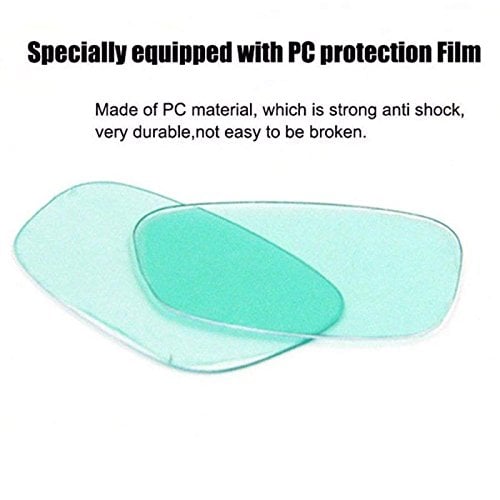
Lightweight yet tough design with anti-scratch, impact-resistant lenses.
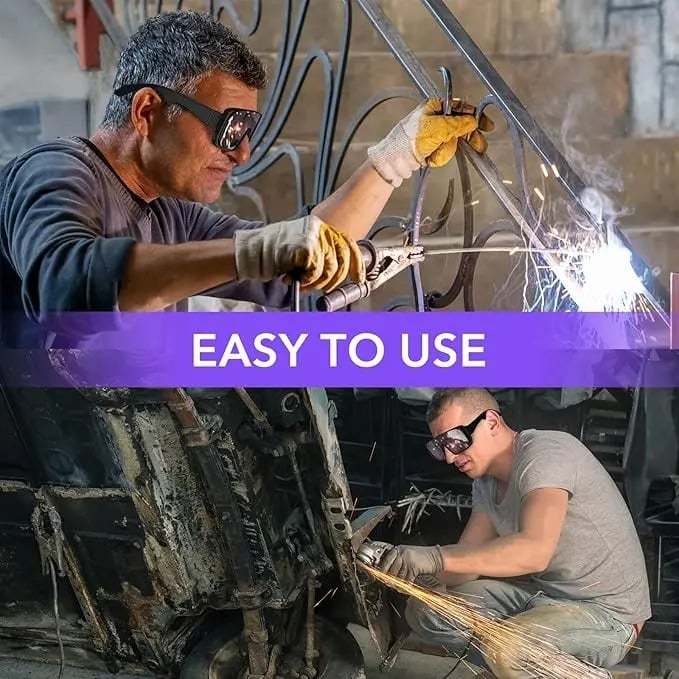
👷 Perfect For
-
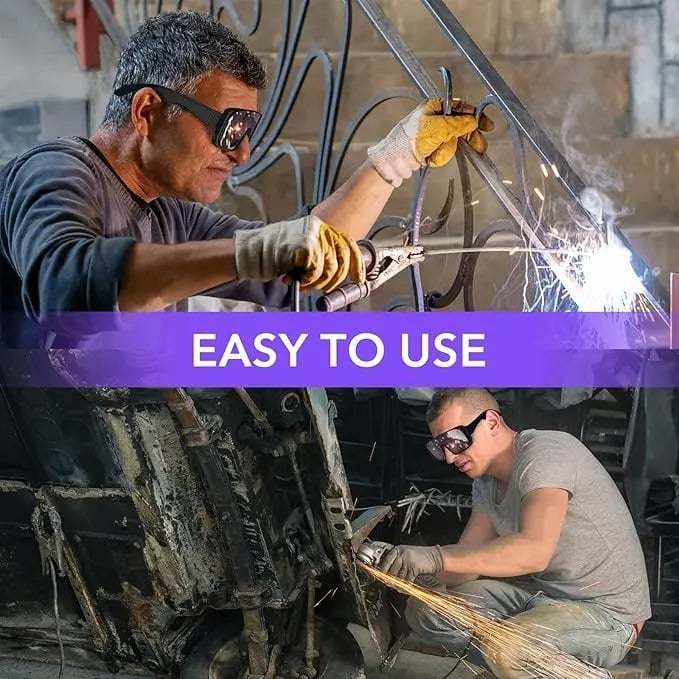
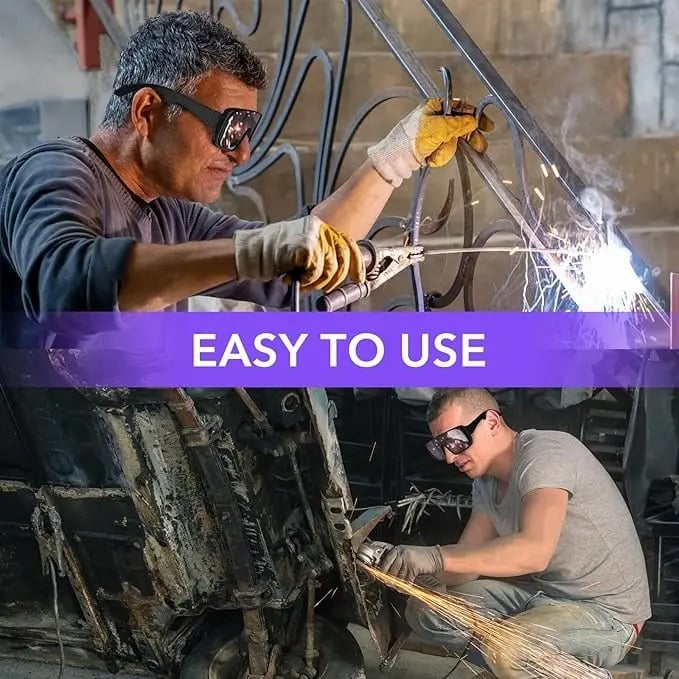
Welders who need hands-free eye protection
-
DIYers working with metal or machinery
-
Anyone seeking reliable, glare-free vision while welding
🛠️ Ready When You Are - Serious work needs serious gear—don’t wait until your next project to upgrade. Add these to your kit today and weld with confidence!
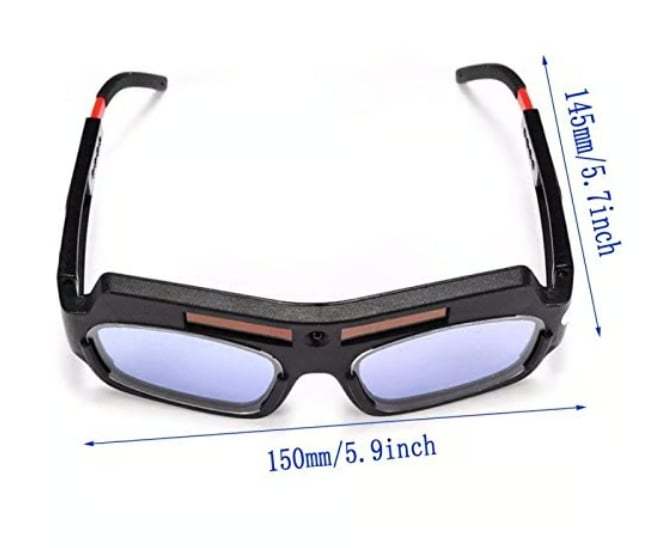
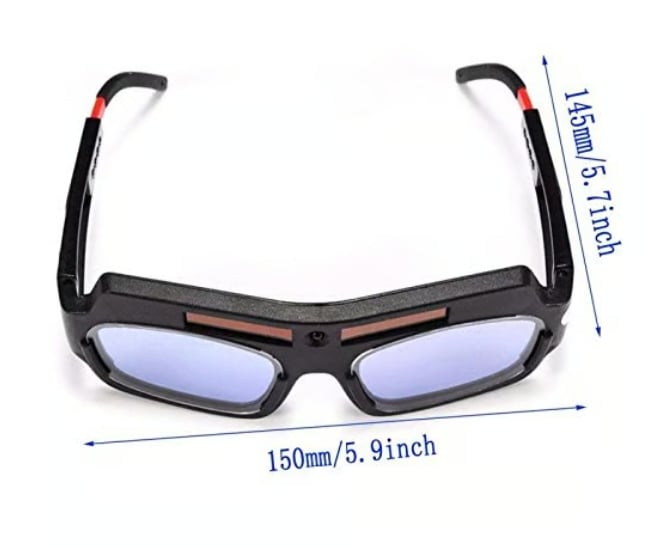
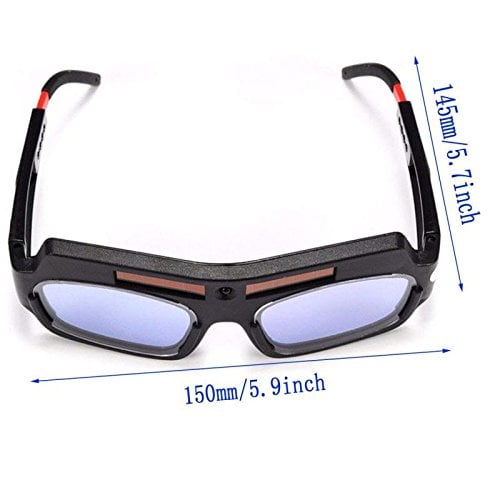
📍Product Specifications
❗Notes
- Due to manual measurements, please allow slight measurement deviations.
- Due to the different display and lighting effects, the actual color of the item may be slightly different from the color displayed on the picture.
🔥Act fast! This special offer won't last long. 🔥Once it's over, the price will revert to its original amount.
⭐OUR GUARANTEE⭐
📦 Insured Worldwide Shipping: Each order includes real-time tracking details and insurance coverage in the unlikely event that a package gets lost or stolen in transit.
✉️ 24/7 Customer Support: We have a team of live reps ready to help and answer any questions you have within a 24-hour time frame, 7 days a week. Please contact us at service@aookun.com should you need assistance.
🔒 Safe & Secure Checkouts: Safe payments via PayPal® & credit/debit card, Keep your personal and financial information 100% protected.